













Pick a game
Press Play to start a game, or look through the Games Library first.

Remembers your choice on this device. Switch anytime; the page changes to match.
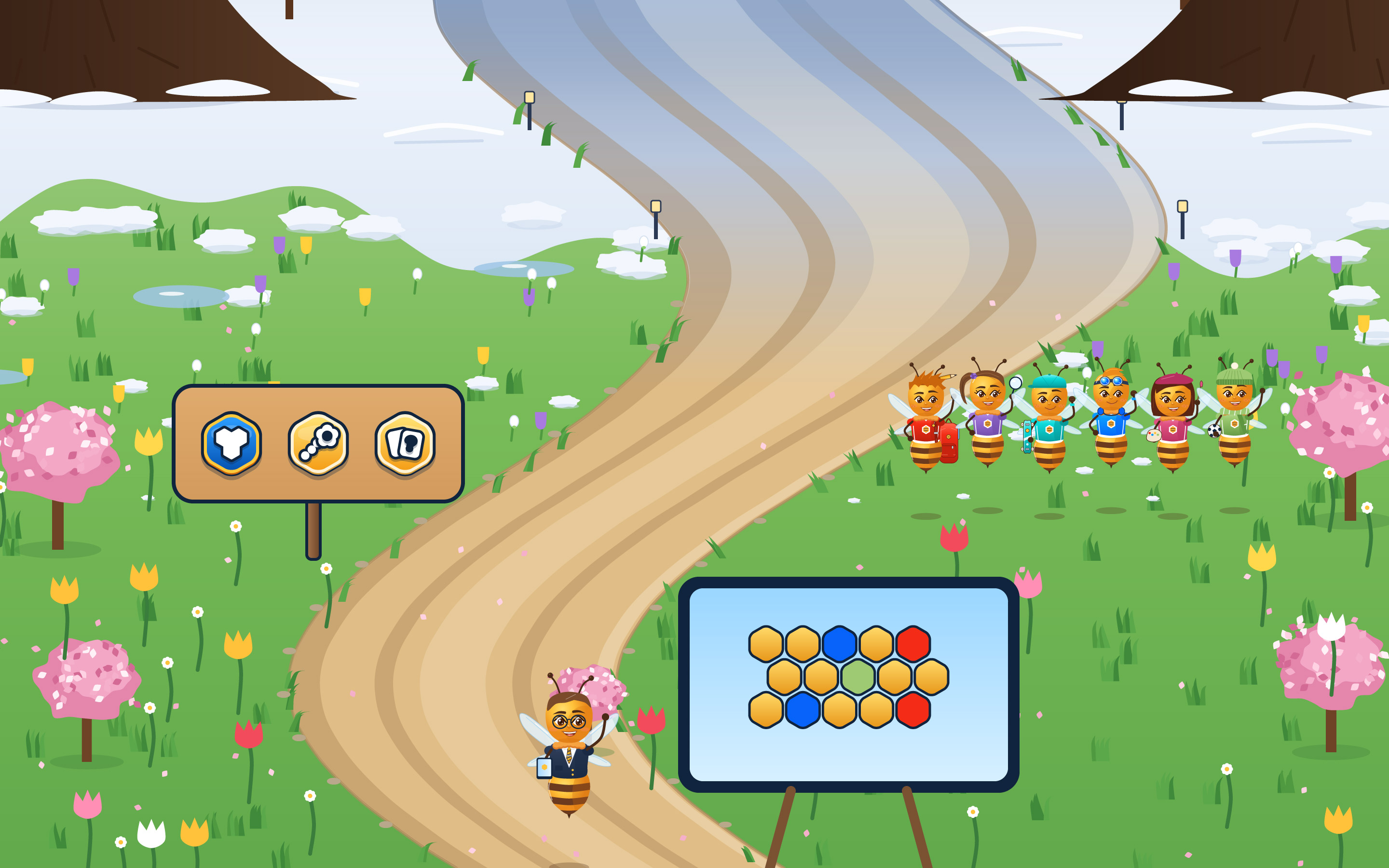
Press Play to start a game, or look through the Games Library first.
Split the class into teams, or play all together as one big hive.
One screen for the whole room. Children point, you tap, and everyone takes part.

Coming soon for grades 2 to 6

Coming soon for grades 2 to 6
Coming soon for grades 2 to 6

Coming soon for grades 2 to 6

Coming soon for grades 2 to 6
Coming soon for grades 2 to 6
Questions use words, pictures or both, and every one can be read aloud.

A missed answer gets a calm “Good try” and the right answer. There are no buzzers and no red X’s, so hands keep going up.
Children never need an account. There are no ads, nothing is collected about the kids who play, and their stickers stay on your device.
Big pictures to tap, team colors that work for colorblind kids, and a calm mode for anyone who needs a quieter room.
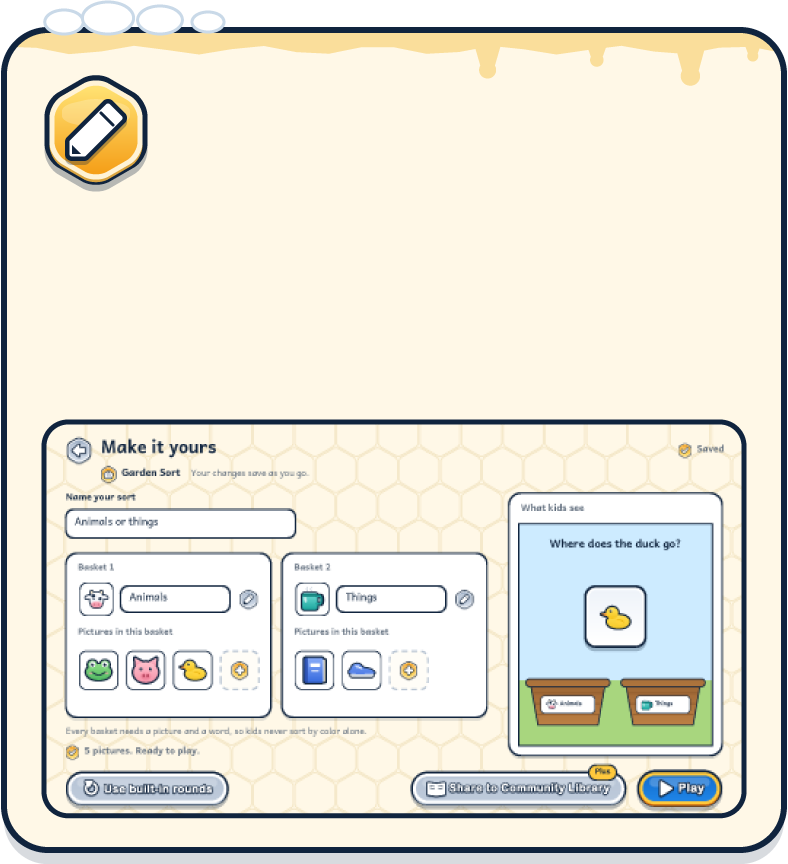
Swap in your own pictures, sorts, patterns and stories. Every honey game is ready to play, and you can shape it to fit this week's lesson.
When a game works for your class, add it to the Community Library so other teachers, daycares and families can play it too.
Start with five free games that stay yours. Add the rest whenever your class is ready.
Annual: 2 months free
$0
forever
No card needed.
5 games, yours to keep
3 Beesources a month
Unlimited question sets
Read-aloud and all backgrounds
Starter sets and stickers
Start free
$5.99
a month
or $59.90 a year
Every game
10 Beesources a month
Everything in Free
Your plan follows you to any device
Choose Humblebee
$8.99
a month
or $89.90 a year
Everything in Humblebee
Unlimited Beesources
Share games to the Community Library
Unlimited picture uploads and GIFs
Extra picture and background packs
Choose Humblebee Plus
One price for every educator, with invoices and a privacy agreement.
Request a quotePrices in US dollars. You can cancel anytime in one step from Settings.
Pick a grade band, and the games and pictures will fit.
Your choice becomes the switch at the top of the page.
 Pre-K to grade 1
 Grades 2 to 6