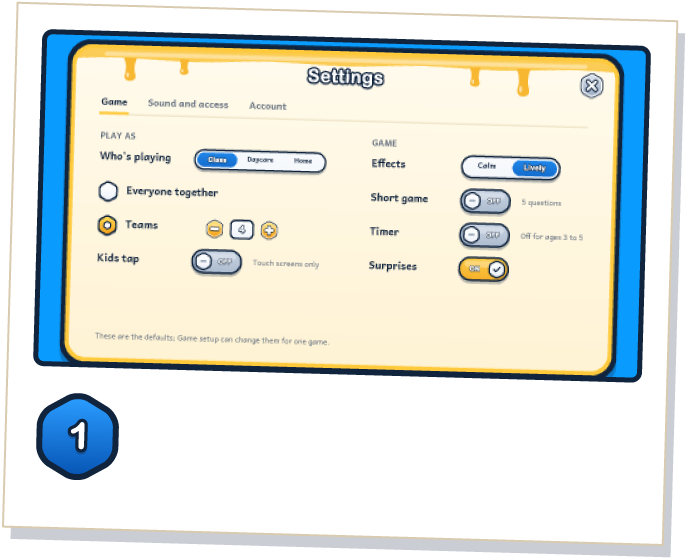
Open Settings from Teacher home, and choose the Game tab.
 Back to Updates · Version 1.4
October 2026 · Version 1.4
A fresh sticker book for a new class year
From the Forum
131 Me toos
See the Forum post
1 new
1 better
1 fixed
A fresh sticker book
New
When a new group of kids starts, you can give them an empty sticker book. Their stickers start from zero, and the old ones are cleared from this device.
How to clear the sticker book
Open Settings from Teacher home, and choose the Game tab.

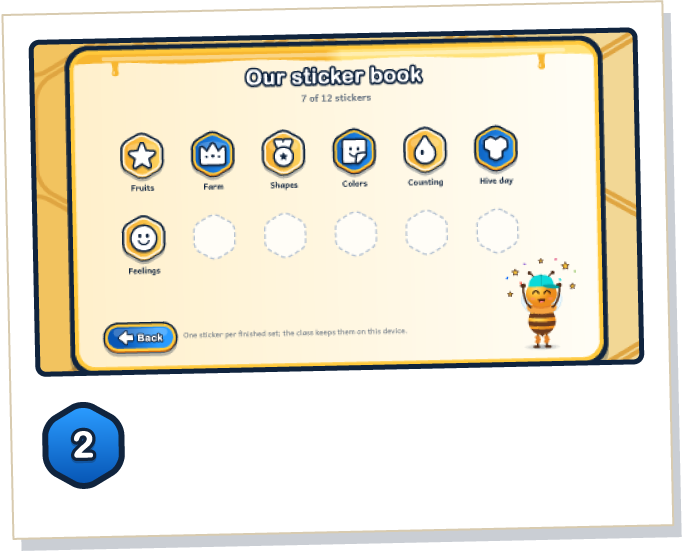
Choose Clear sticker book.

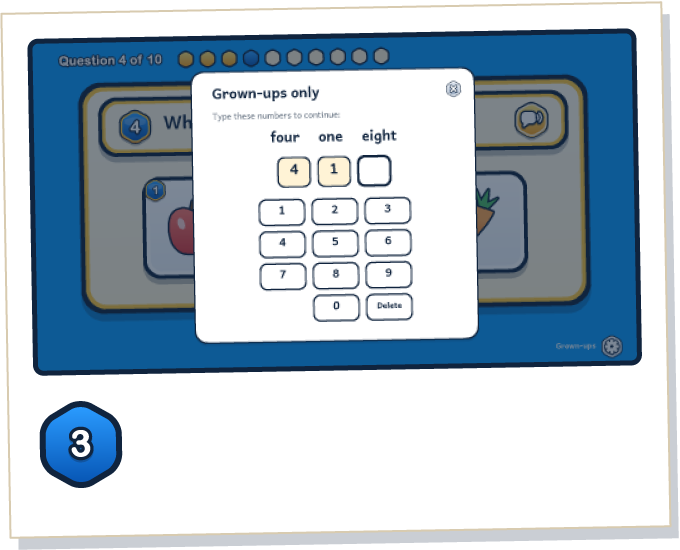
Pass the grown-up check, so a curious finger can't clear it by accident.

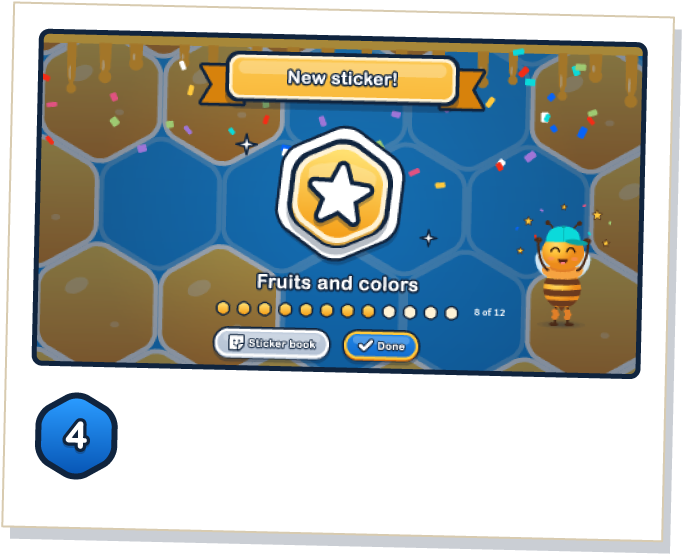
Choose Clear. The book starts fresh on this device.

Stickers are kept on each device, so clearing one tablet doesn't change another.
Clearing can't be undone.
Nothing about the kids is sent anywhere, before or after.


A fresh sticker book
How to clear it
Faster sticker pages
The last sticker shows
From the Forum

September 2026
Play as one big teamAugust 2026
Kids can tap to answerJuly 2026
Humblebee is hereJune 2026

Only when something changes. You need to be signed in.

Faster sticker pages
Better
Sticker pages turn faster on older tablets, so flipping through the book doesn't stall.
The last sticker shows
Fixed
The last sticker in a set no longer hides behind the edge of the page.

This one came from you
Thank you to Room 12 for posting the idea, and to the 131 teachers who added a Me too.
Shipped
Clear the sticker book for a new class year
Newer
This is the newest update.

Older · Version 1.3